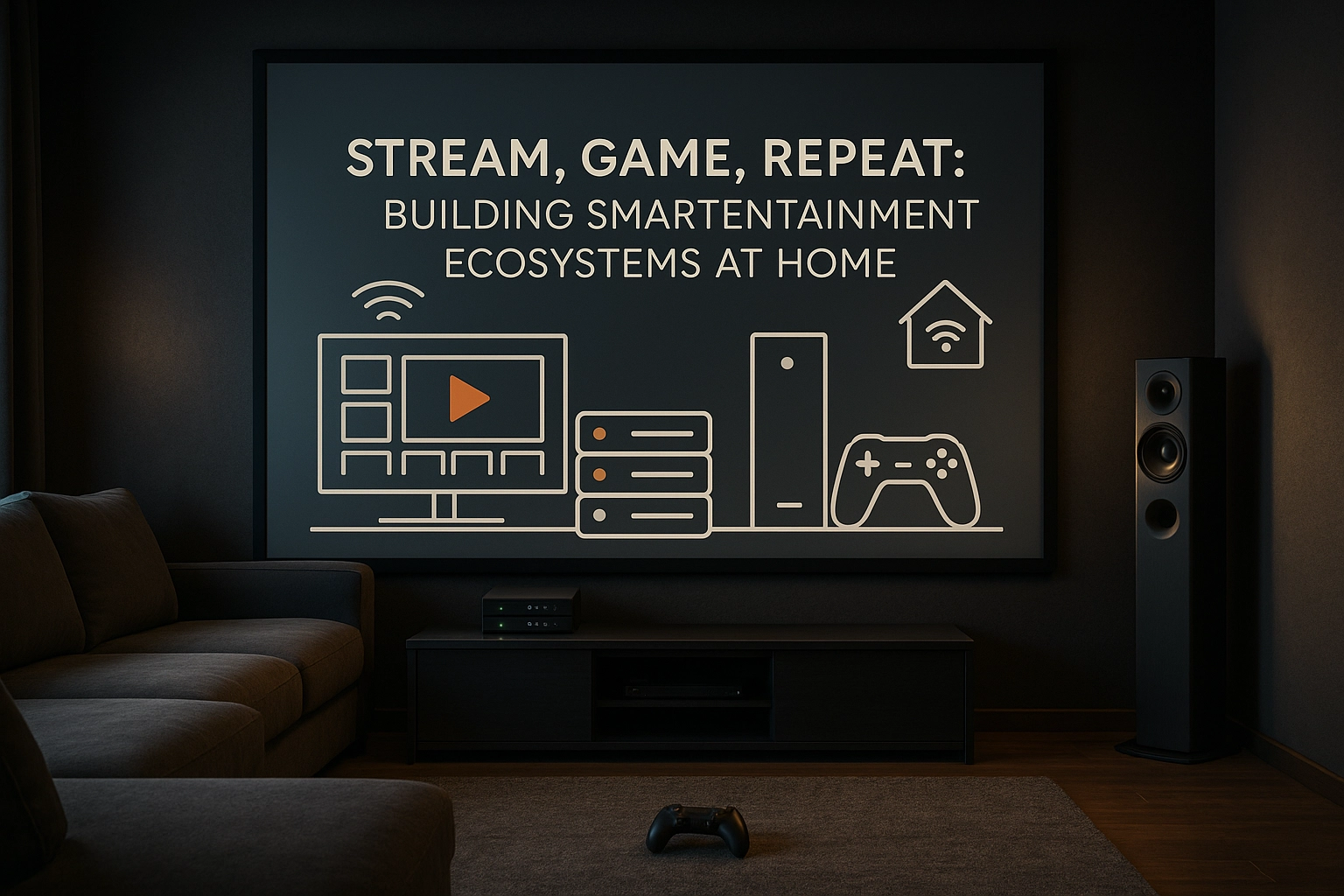
Stream, Game, Repeat: Building Smart Entertainment Ecosystems at Home
Explore how to build a powerful, private, and flexible entertainment setup with smart home automation in 2025.
🎮 Welcome to the Future of Play and Stream 2
In 2025, the home is no longer just where the heart is — it’s where the server, the console, and the network switch are. If you’re building a smart home and you want total control over your content, game consoles, and rooms, this guide is for you. Today we’re diving into the intersection of self-hosted media and multiroom console gaming, all powered by smart automation.
Let’s break it down step by step.
🗃️ Self-Hosted Content: Because You’re the Platform
Tired of bouncing between Netflix, Disney+, and whatever-new-service? Self-hosting lets you become your own streaming provider.
🔧 Top Solutions:
- Plex – User-friendly, supports remote access, and handles massive libraries like a champ. Best with Plex Pass for full features.
- Jellyfin – 100% open source and privacy-respecting. No tracking, no ads, no cloud.
Set up your media server on a NAS (like Synology), an Intel NUC, or even a Raspberry Pi 5 for a compact, power-efficient setup.
Smart Home Pro Tip: Use motion or time-based automation to pre-load your evening playlist or dim the lights when you start a film on Jellyfin.
🕹️ Multiroom Console Gaming: One Console, Many Screens?
This one’s trickier — consoles are made to serve a single screen. But with smart setups, you can game in multiple rooms without dragging wires or hardware.
🧩 Best Approaches:
1. Game Streaming (Over LAN)
- Xbox Remote Play, PlayStation Remote Play, Steam Link, and Moonlight + Sunshine let you stream games across rooms.
- You’ll need a fast 5GHz Wi-Fi or, ideally, wired Ethernet.
- Pair with a lightweight Android TV box, NVIDIA Shield, or even a Raspberry Pi 5 as the remote endpoint.
2. HDMI Matrix + IR Over Cat6
- Split your console’s output to multiple TVs using an HDMI matrix switch.
- Control it remotely with IR repeaters or smart home macros.
- Great for families or multi-zone entertainment rooms.
3. Cloud Gaming, Local Access
- Services like GeForce NOW or Xbox Cloud Gaming bring AAA titles to any room — even without a console.
- Use smart home scenes to prep rooms (e.g., dim lights, close blinds, and launch input on the TV).
4. Multi-Console Sync (High Budget)
- Install Xbox Series X in the living room, Series S in the bedroom.
- Share cloud saves and game libraries for seamless multiroom play.
🧠 Automation Glue: Tying It All Together
The magic happens when you unify everything with smart home automation:
- Scenes like “Movie Time” or “Game Night” that trigger lights, audio modes, inputs, and cooling.
- Voice or NFC Triggers to launch games, start streams, or log into profiles.
- Auto Shutoff Rules when rooms are vacant or after inactivity.
- Smart Access Controls to limit playtime or secure content.
Use Home Assistant, Apple HomeKit, or Google Home to create cross-device workflows.
🏡 Smart Minimalism, Meet Smart Entertainment
Minimalist homes don’t have to compromise on fun. In fact, smart automation lets you hide the clutter while maximizing experience.
- Use in-wall speakers and hidden projectors.
- Recess consoles or servers in a utility room, stream everywhere.
- One app to control it all — or let your home sense when you’re ready to play.
🚀 Final Thoughts
In 2025, it’s not about having more tech — it’s about having better tech that works quietly in the background while you play, stream, and live.
You can be the platform. Your console can be everywhere. And your home can be smart enough to keep up.